


Way 1: Turn it on via This PC's context menu.
Step 1: Right-click This PC, and select Properties from the menu.

Tip: The File Explorer's context menu can also help achieve the goal.
Step 2: Choose Remote settings, System protection or Advanced system settings in the System window.
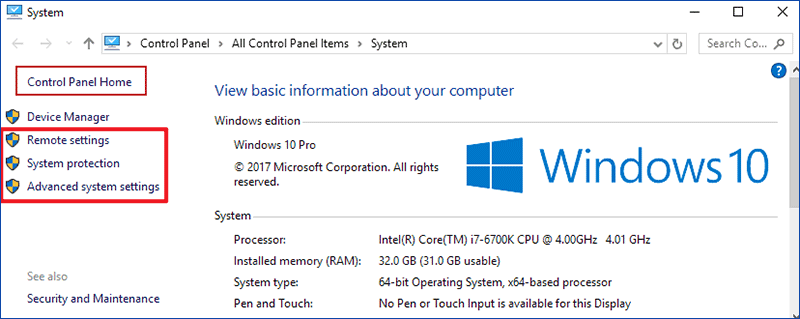
Note: This step is a must-do procedure and it won't be repeated in the methods below.
Way 2: Open it via This PC and keyboard shortcuts.
Tap This PC, and press Alt+Enter on the keyboard.
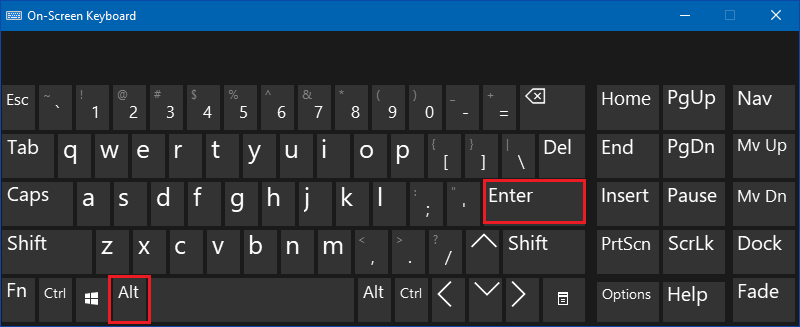
Way 3: Turn it on via keyboard shortcuts.
Press Windows+Pause/Break on the keyboard.
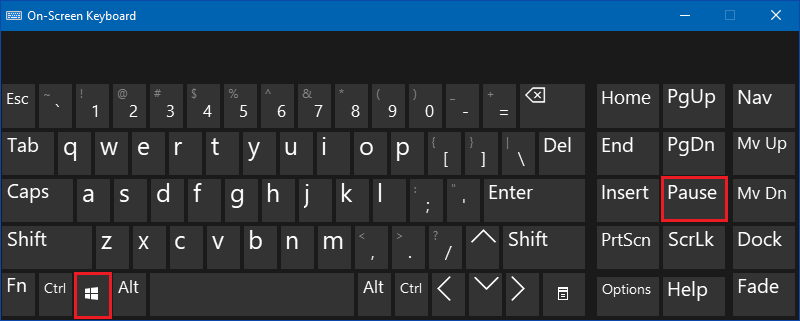
Way 4: Open System Properties via searching.
Type system information in the search box on taskbar, and Open it in the result.
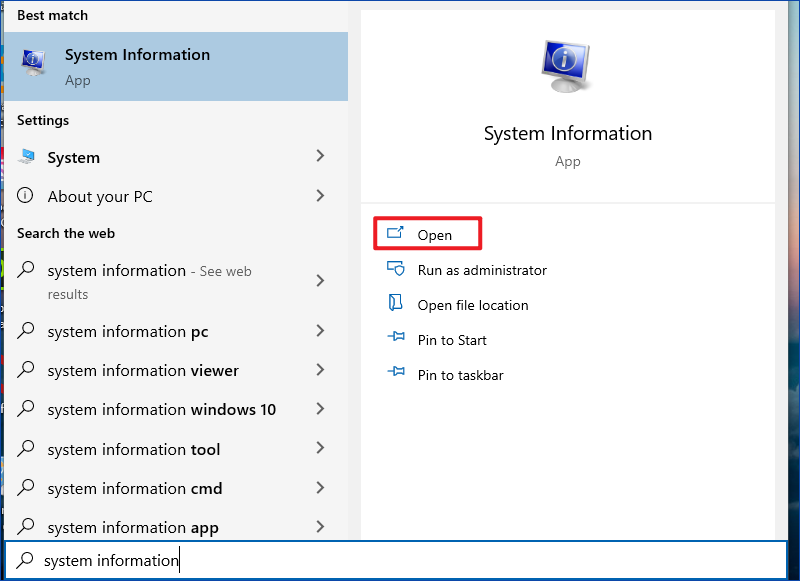
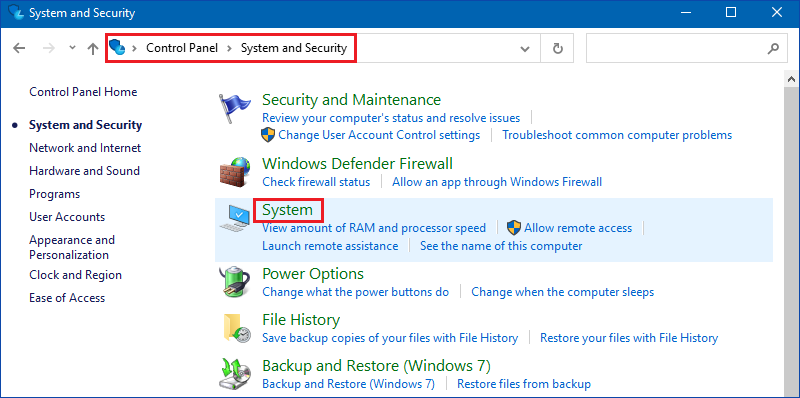
Way 5: Turn it on in Control Panel.
Access Control Panel, choose System and Security and then hit System.
Way 6: Open it through Settings.
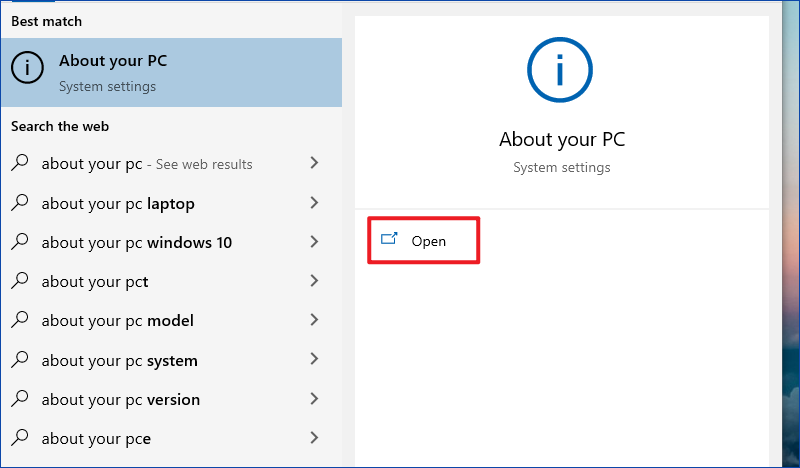
Step 1: Search about, and click About your PC in the options.
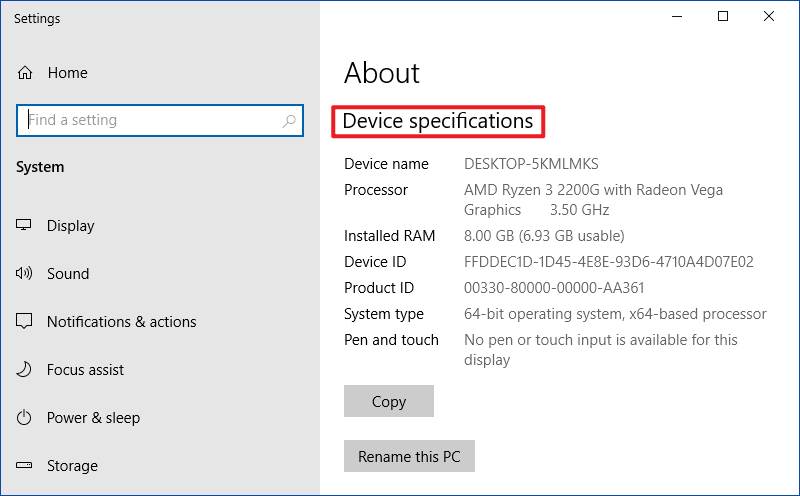
Step 2: The right window will display your Device specifications.
Command:

Copy this text: *SystemPropertiesAdvanced*


